Style catalog 1001site.com
1001site.com is a catalog of 1,000 styles from the world's best websites and online stores. Open any style, view the colors, fonts, layout, and video of the example site, download the style files, and create a website like it for yourself.
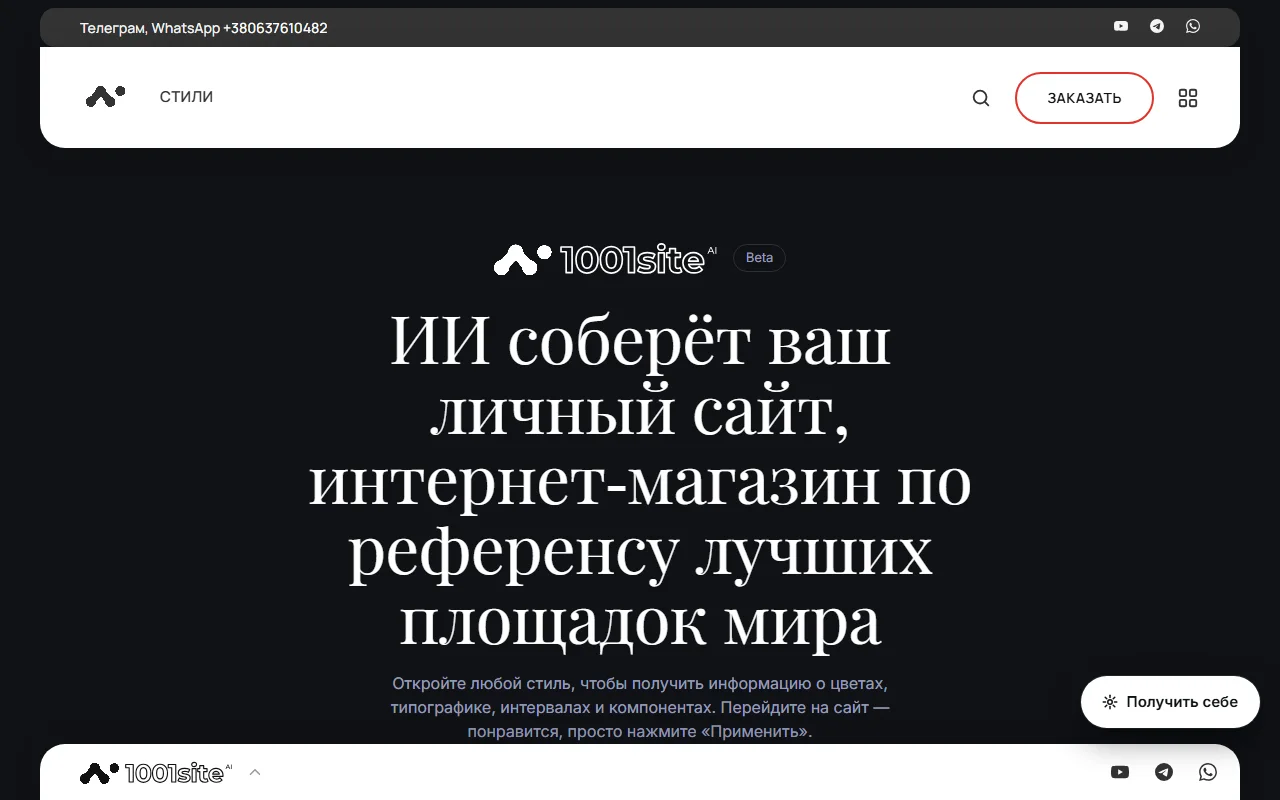
Home#
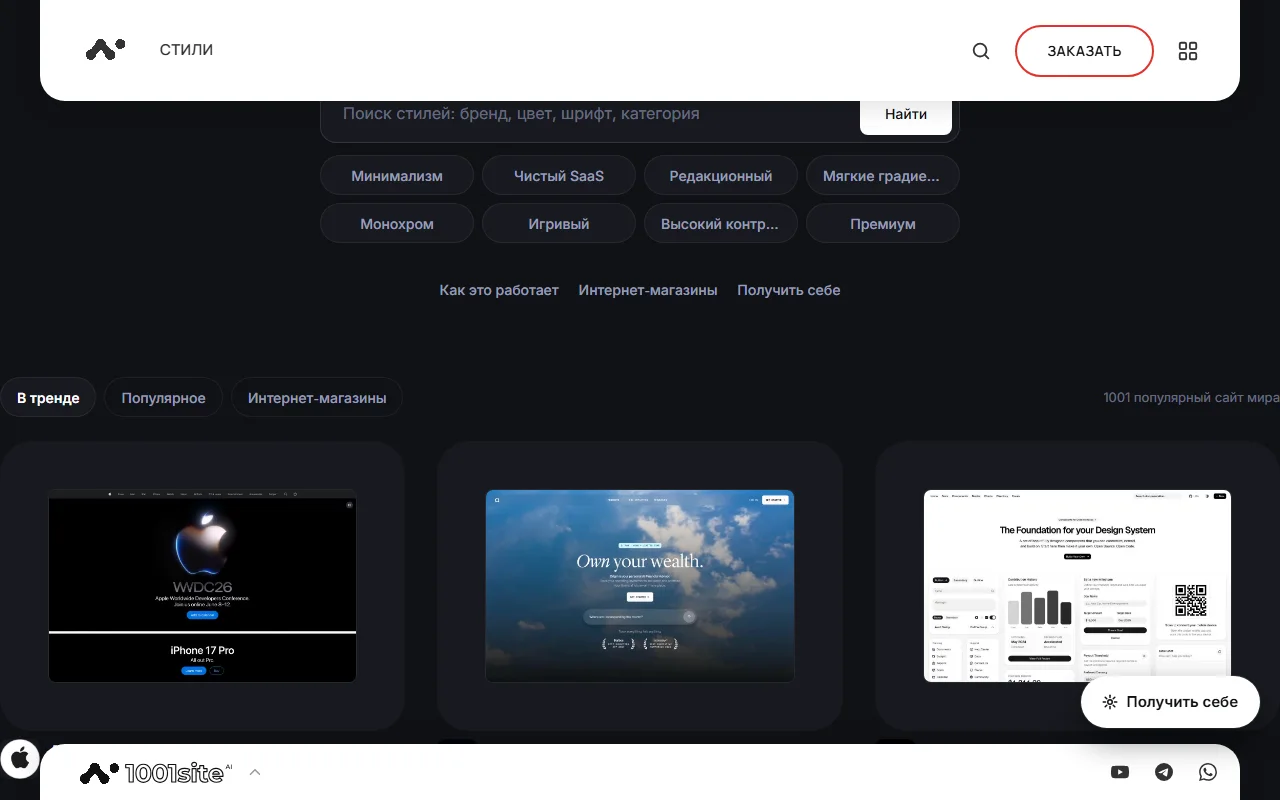
- Search by brand, color, font, and category. The search bar features quick filters: minimalism, pure SaaS, editorial, soft gradients, monochrome, playful, high contrast, and premium.
- Tabs: "Trending", "Popular", "Online stores".
- A three-column feed of cards. Hover over a card, and a video of the site will play. A counter displays "1001 popular sites in the world" or the number found.
- Header: logo, magnifying glass (search link), "Order" button, menu tile. The menu includes a theme switcher (light, dark, auto) and a language selection from 107 with search.
- The footer strip at the bottom features the logo and icons for YouTube, Telegram, and WhatsApp. Clicking on the strip opens the full footer with details, pages, and icons (EU data, GDPR, HTTPS, Stripe, Monobank, backups, monitoring, Claude, ChatGPT, Gemini).
Style Page#
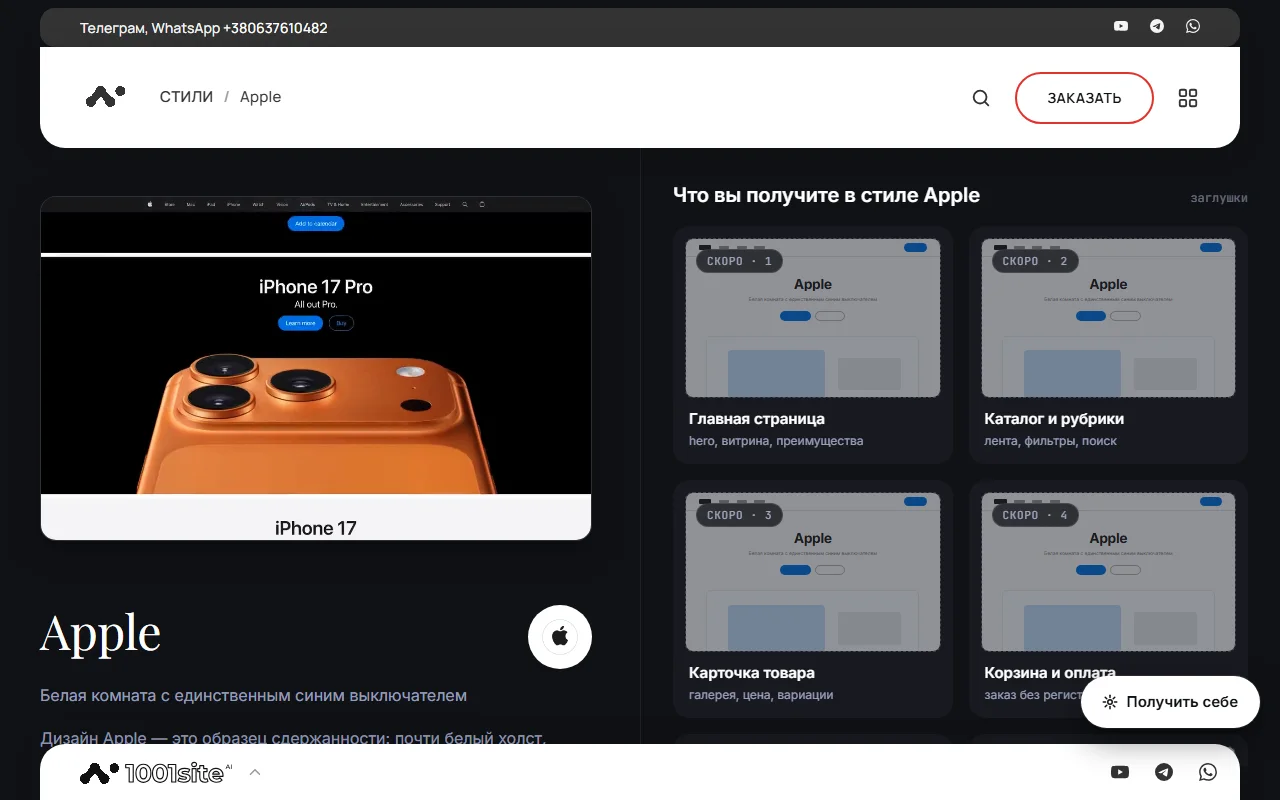
Address: /style/название. On the page:
- Preview — video and poster of the example site, title, tagline, tags, "View site" link (opens the original in a new tab).
- Description —style character, composition, images. For some styles, a full analysis in Russian is still being prepared—taglines and facts will be shown.
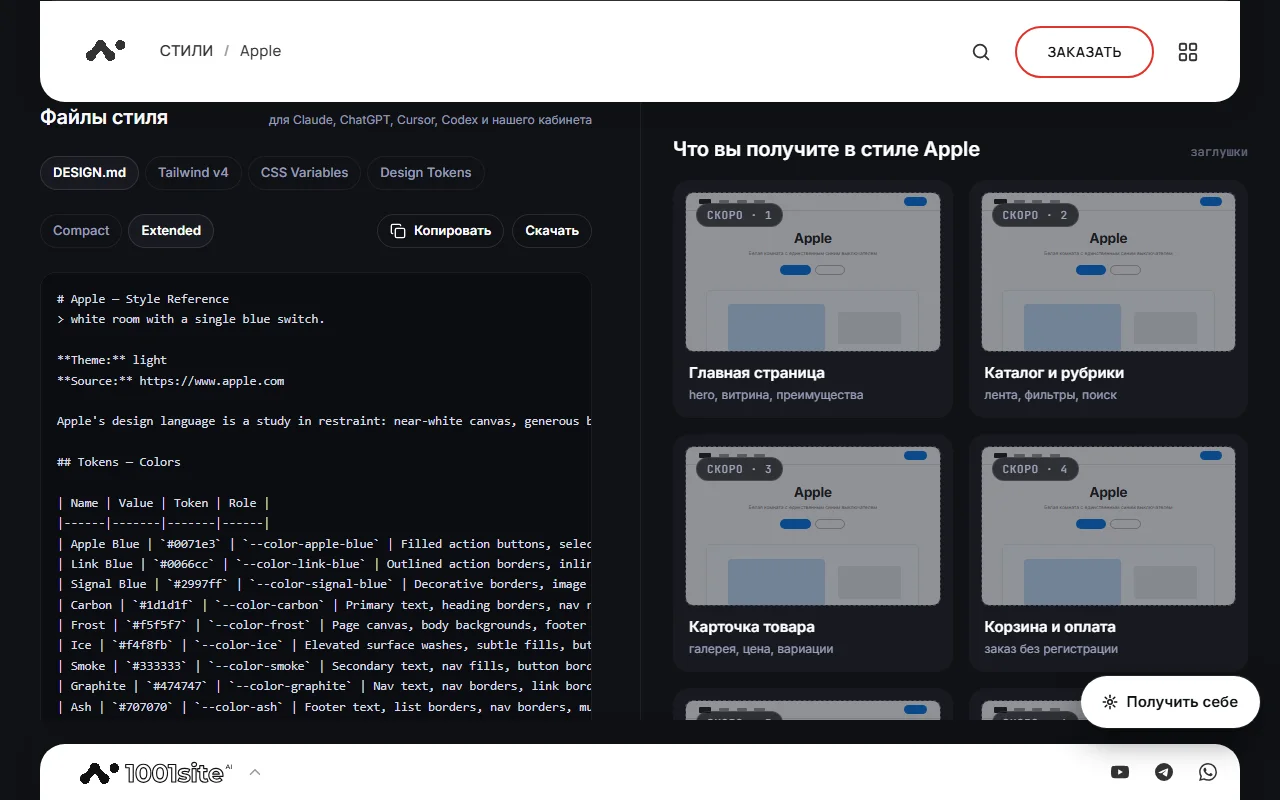
- Style files — DESIGN.md tabs (Compact and Extended), Tailwind v4, CSS Variables, Design Tokens. "Copy" and "Download" buttons. Files are compatible with Claude, ChatGPT, Cursor, Codex, and our dashboard.
- Palette - colors with roles and codes (click to copy the code).
- Typography - fonts, replacements from Google Fonts, sizes.
- Spacing and shape - density, base pitch, radii, shadows, width.
- Rules - what to do and what not to do in this style.
- Similar styles.
- The "What you get in this style..." card includes an "Apply this style" button and a "Already with us? Apply to your board" link for plan owners.
- On the right is a column of cards: home, catalog, product card, shopping cart, mobile version, control panel (examples of screens of your future website).
Get yourself one#
The floating "Get it for yourself" button (and the "Order" button in the header) opens a pop-up:
- Request – name and WhatsApp or Telegram address. We receive your request and respond via messenger.
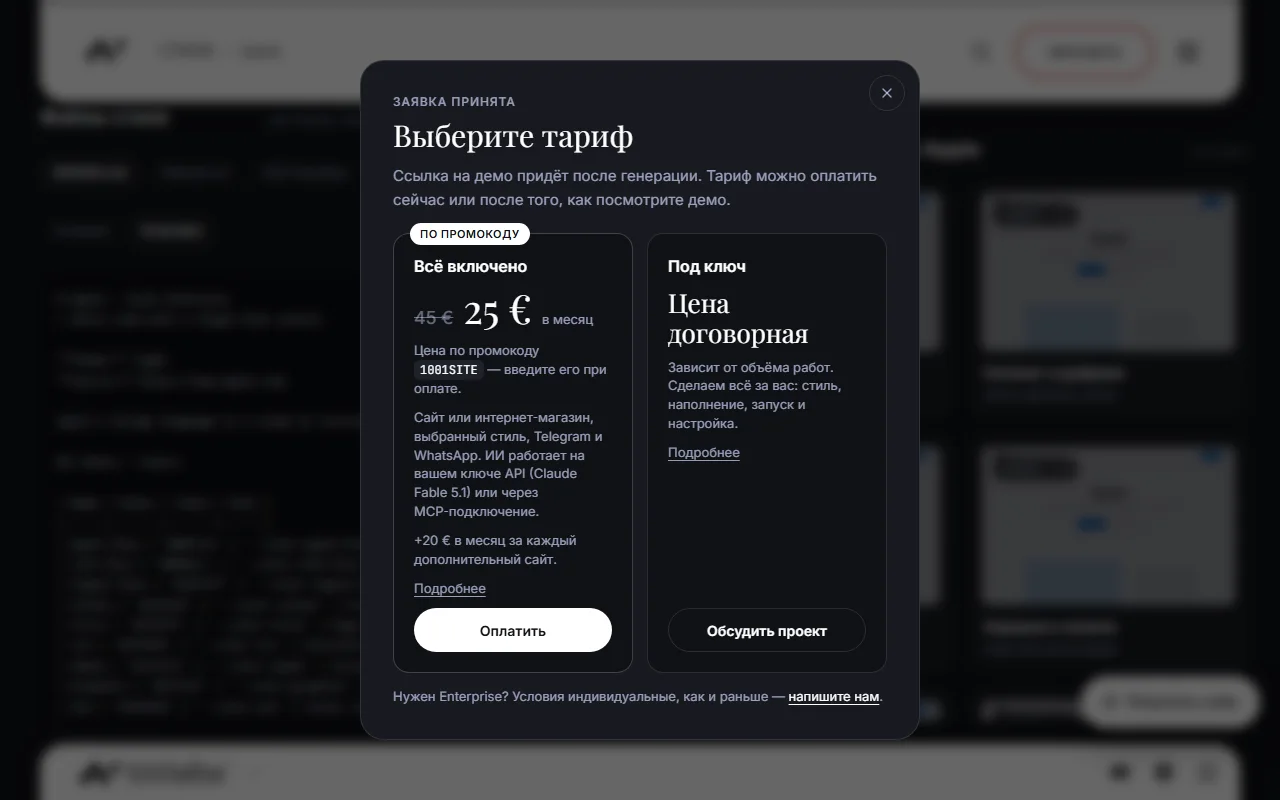
- Plan — "All Inclusive" (price with promo code; website, style, Telegram and WhatsApp; AI on your Claude key or via MCP; +20 € per month for an additional website) → the "Pay" button leads to registration with the selected style and promo code; "Turnkey" (we create the website for you, the price depends on the size) → "Discuss the project"; Enterprise — contact us.
- Done – links to WhatsApp and Telegram.
Topic and language#
The header menu tile includes a "Light/Dark/Auto" theme (the default is the same as in the browser) and a choice of 107 languages with search. Translations of the catalog into other languages will be available later; for now, the pages are in Russian, the language selection will be remembered.
For developers and AI#
- The style files are available at
/site/data/styles/<название>/design.md(anddesign.compact.md,tailwind.css,variables.css,tokens.json). - Catalog in JSON:
/api/styles/catalog?q=…&kind=site|shop. One style:/api/styles/<название>. - Knowledge base:
/wiki, map for AI assistants:/llms.txt.
Questions and answers#
The video doesn't play#
The video starts on mouse hover, or on tap on a phone. If the video is unavailable, a mockup in the style's colors is displayed.
Where do the styles come from?#
From an open catalog of popular website styles. Descriptions are translated into Russian, and style files are generated using each website's design system.
How to apply style to your site?#
If you're already a customer, click "Already with us? Apply to your board" on the style page or "Choose a style" in your account. If not, click "Get it for yourself" → "All included." See Styles from the catalog.