Advertisements and products: submission, moderation, promotion
An ad and a product are the same card. In Classifieds mode, visitors create it; in Online Store mode, you do. You can manage it from the dashboard.
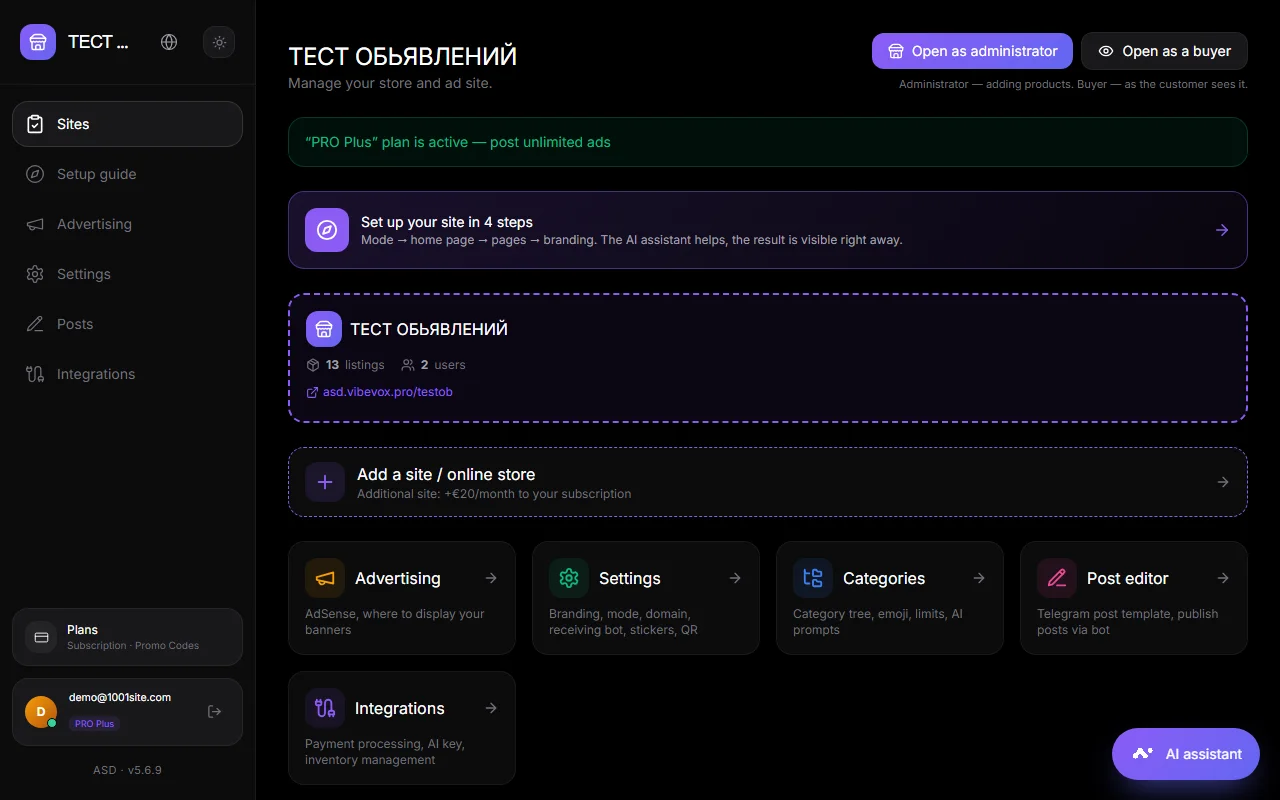
How to add#
- On the website: click the "+" button at the bottom. For the owner, first click "Open as administrator" on the main dashboard; then the ad will be published without moderation.
- From messengers: Telegram group, channel, or bot private message; WhatsApp group or private message. See Telegram, WhatsApp.
- Using the AI assistant: "add the product 'Nike sneakers' for 2500 UAH, photo via the link...", "import a list" (table or text).
- From the accounting system: via API key. See Integrations.
Card fields#
Title, description, price and currency, photo (several), category, attributes, variations (up to 5: name and custom price), warehouse (if warehouses are included), seller contact, address.
Photos are stored locally or in your Cloudflare R2 storage. Thumbnails are shown in the feed to ensure fast page loading.
Moderation#
Tabs on the main account:
| Tab | What's here? |
|---|---|
| Under moderation | New ads awaiting review. Actions: publish, reject, change category, edit |
| AI moderation | Ads that the AI flagged as suspicious |
| Active | Published. Actions: hide, mark sold, edit |
| Sold | Marked sold by seller or you |
| Rejected | Failed verification. Can be permanently deleted. |
| Hidden | Archive. Can be returned. |
| Complaints | Visitor complaints with the complainant's contact information. Actions: take action, reject |
| Orders | Store orders with statuses |
Moderation Settings panel (click to expand):
- New ads are either reviewed first or published immediately.
- AI moderation: AI checks ads against your criteria (you can edit the criteria text). Clean ads are published, while suspicious ones are reviewed manually.
- Auto-detection of categories: AI selects a category based on the text if the visitor hasn't selected one. Options: auto-select emoji, create subcategories only, and strictly only existing categories.
AI features are available on AI-enabled plans. A shared key has a monthly transaction limit; there is no limit with your own Gemini key. The counter is visible on the dashboard.
Limits and promotions#
- Free listings per seller — the number of active listings beyond which the seller is offered to purchase a package. 0 — unlimited. Set in Integrations → Payment.
- Promotion packages and rates include paid placement, boosting, and highlighting. Payment via Stripe or Monobank.
- The ad limit for the owner depends on the site's plan. See Plans.
What the ad author sees#
The author receives a publication notification with a link to the website and, if auto-publishing is enabled, a link to the post in the Telegram channel or WhatsApp group. The author can mark the ad as sold and edit it.
Questions and answers#
How to delete an ad permanently?#
Hide it (the archive) or reject it. Only rejected messages can be permanently deleted. This is designed to ensure nothing gets lost accidentally.
Is it possible to bulk upload products?#
Yes. Give the AI assistant a table or list: "Import these products, photos via links." Or connect it to an accounting system.
How do I move an ad to another category?#
In your account, open the ad and select a new category.